

Your Tesla.
On your wrist.
Watt Key connects directly to your Tesla over Bluetooth — no internet, no cloud, no delay. Unlock as you walk up. Lock as you walk away. All from your watch.

Watt Key connects directly to your Tesla over Bluetooth — no internet, no cloud, no delay. Unlock as you walk up. Lock as you walk away. All from your watch.
See Watt Key in action
Watch how Watt Key connects over Bluetooth for seamless Tesla control right from your Wear OS watch.
Features
Built specifically for Tesla owners with a Wear OS watch.
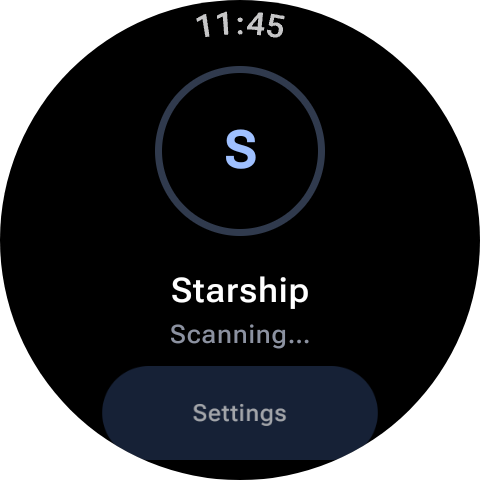
Your watch detects when you're near your Tesla via Bluetooth and automatically unlocks it — before you even reach for the door.
Walk away and Watt Key locks your vehicle behind you. No fumbling with your phone, no double-checking — it just happens.
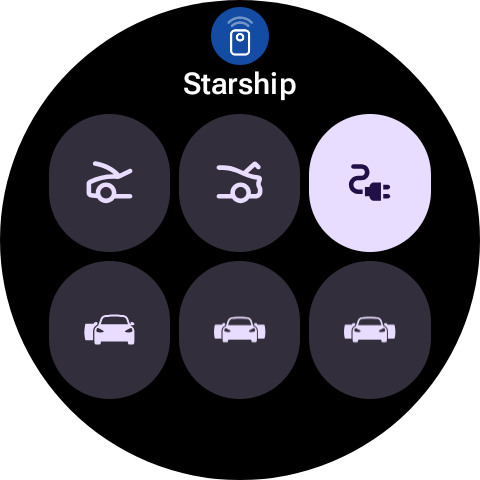
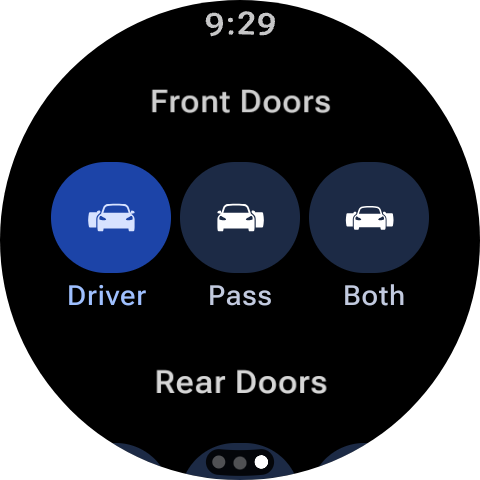
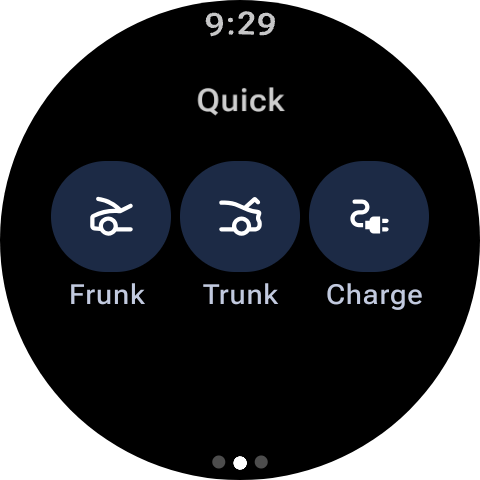
Lock, unlock, open any individual door, pop the frunk, open the trunk, toggle the charge port, or open the Cybertruck's tonneau cover.
Own more than one Tesla? Watt Key supports multiple vehicles and lets you name each one for easy switching.
Add a Wear OS tile to your watch face for instant, one-swipe access. Choose exactly which commands appear — tailored to how you drive.
No internet connection required. Watt Key speaks directly to your Tesla over Bluetooth — fast, private, and works even without signal.
How it works
No accounts, no cloud setup. Just your watch and your Tesla.
Download from Google Play onto your Wear OS watch. Works with Samsung Galaxy Watch and all Wear OS devices.
Open the app and follow the simple pairing flow to connect your watch to your Tesla over Bluetooth.
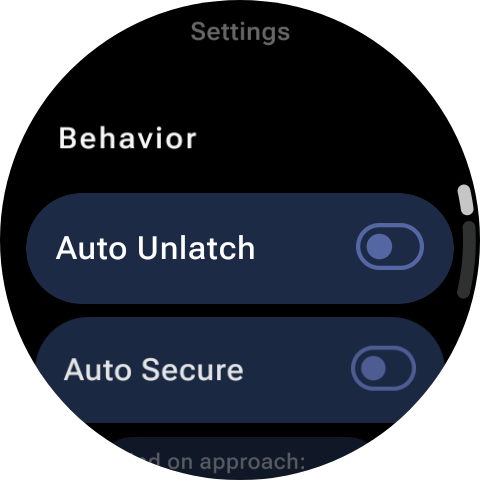
Enable Find on Approach, Auto Secure, and customise your tile — all directly from your watch.
Your watch handles the rest. Approach your Tesla and it unlocks. Walk away and it locks. Done.
Download Watt Key today and take control of your Tesla — right from your wrist.